Compute
Idle and oversized instances
Every tool flags them. Only you know which ones are DR.






 AWS
AWS
 GCP
GCP
 Azure
Azure
 OCI
OCI
 OpenAI
 OpenAI Codex
 Anthropic
 Kubernetes
 Snowflake
 Databricks
 Datadog
 GitHub
 Twilio
 Cursor
 fal.ai
 Grafana
 CircleCI
 Confluent



Detection Agent
Get a Detection Agent that covers your entire cloud and AI spend and runs on the definitions you set.
.svg)

.svg)
.svg)


.svg)

.svg)
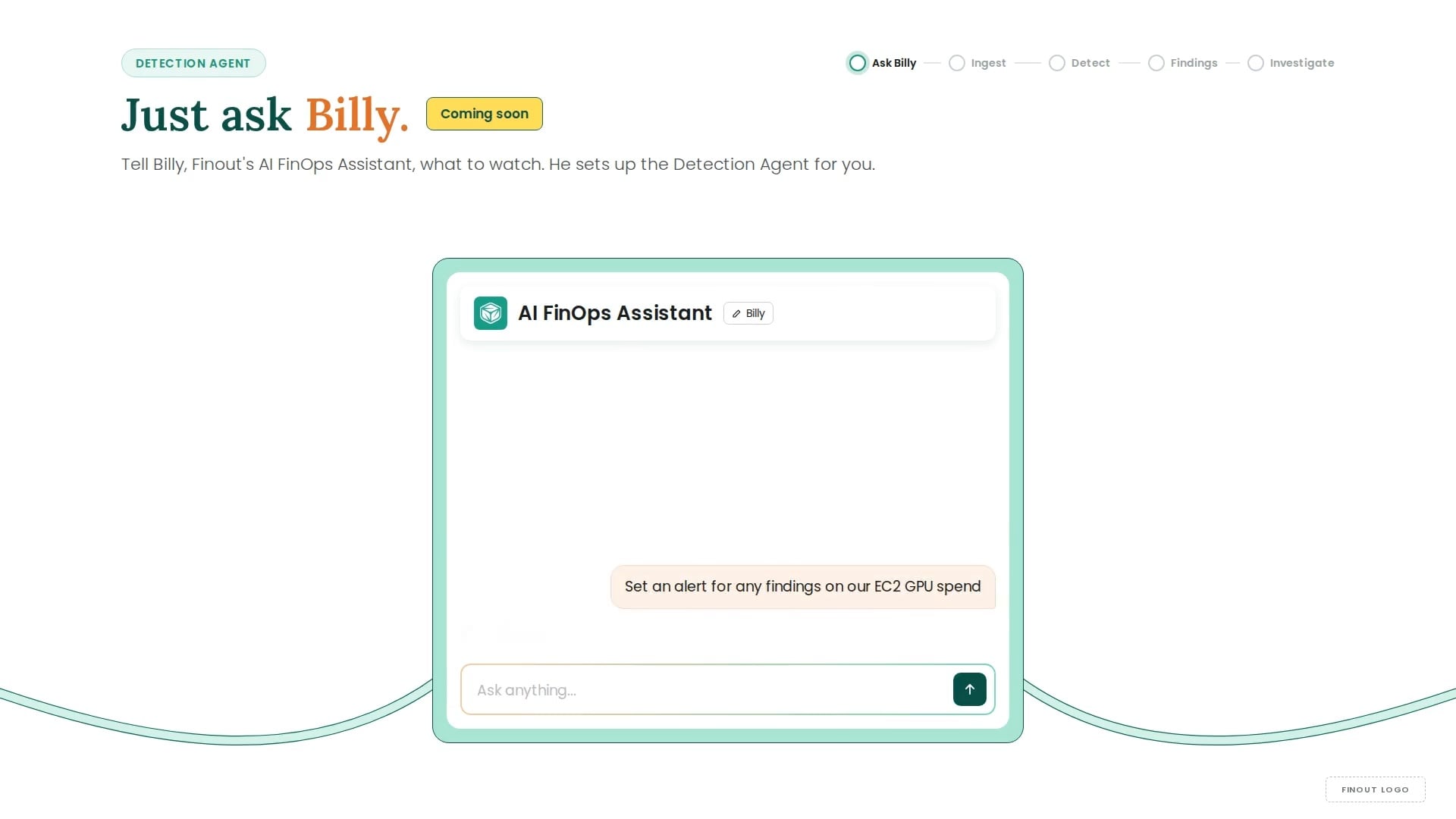
From a Billy prompt to a new finding: watch Finout’s Detection Agent create one for AWS RDS.
One detection engine runs your definitions across a single account or thousands, without a rule set that has to grow as you scale.
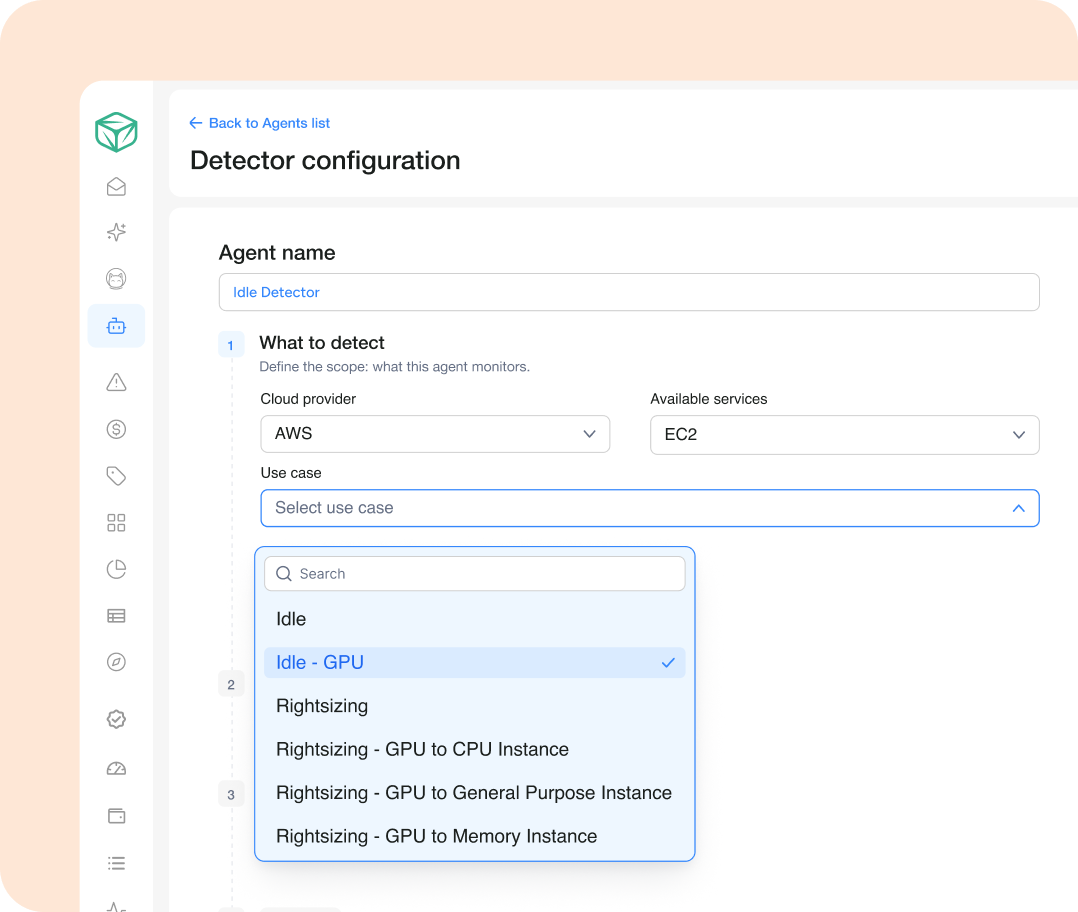
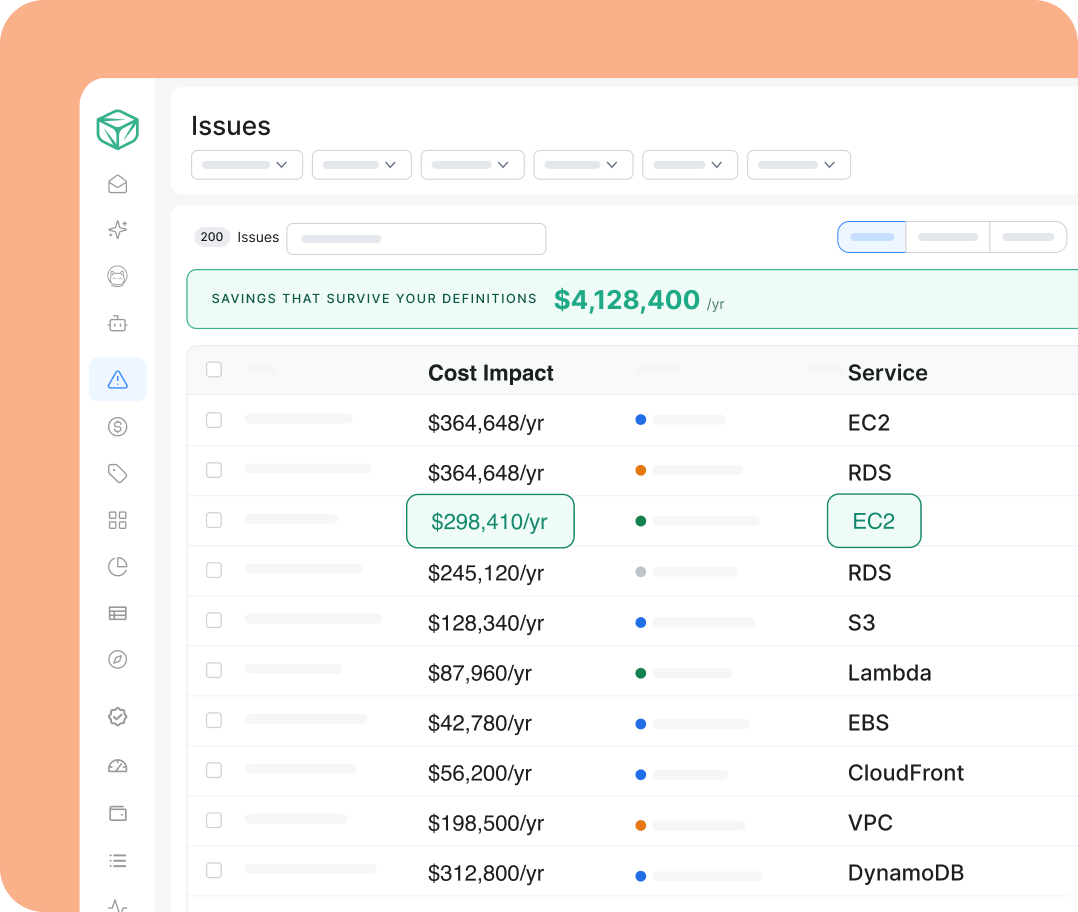
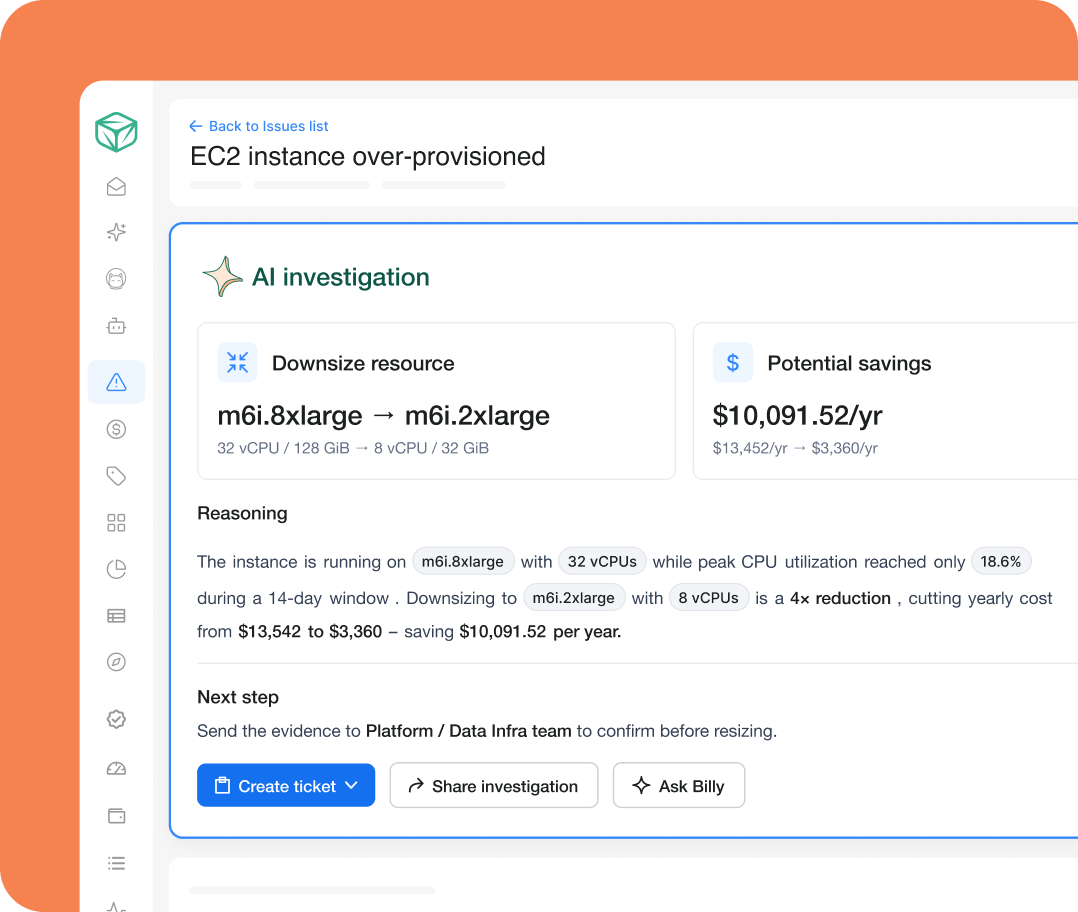
Idle, rightsizing, extended support, or fully custom.
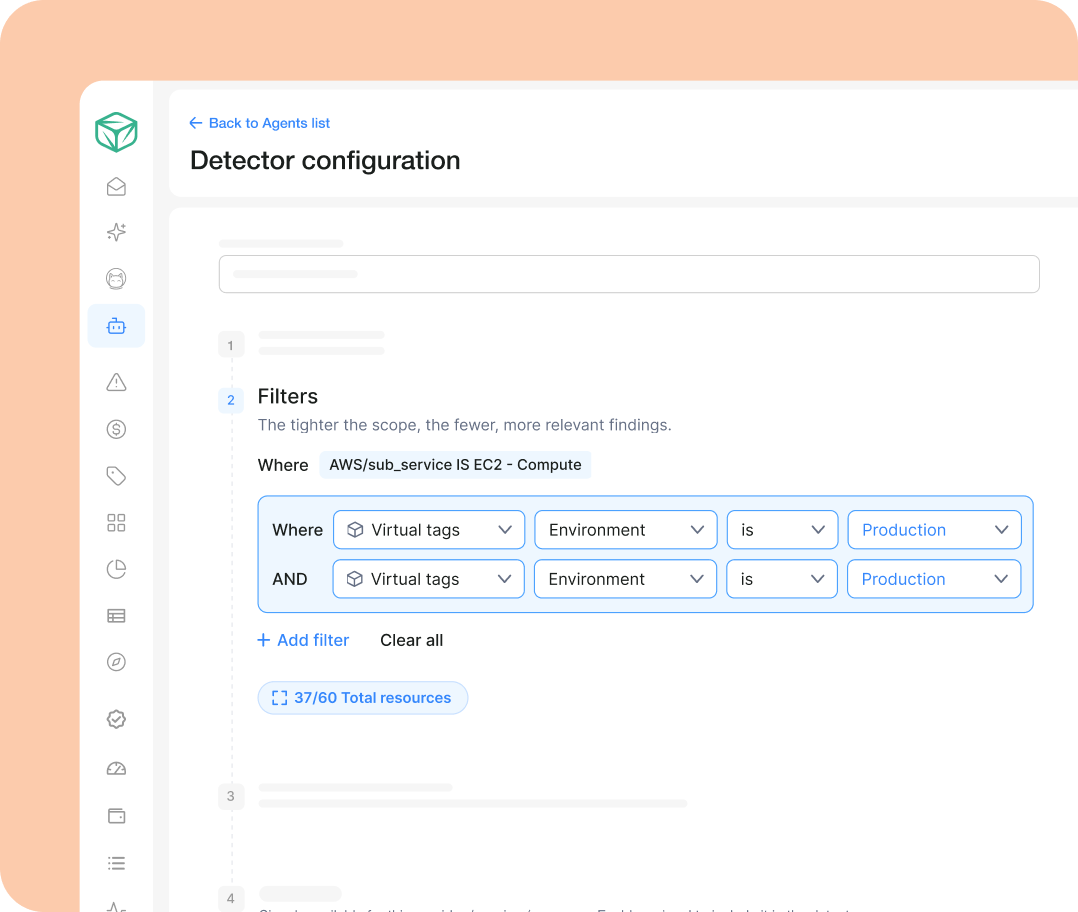
Virtual Tags, production only, exclude DR.
One Issues queue, ranked by savings that survive your definitions.
Every finding carries the resource, the tags, the case.
Same detection engine, your rules, every service.
Idle and oversized instances
Every tool flags them. Only you know which ones are DR.
Unattached volumes, idle buckets, old snapshots.
Some are waste. Some are legal hold.

Databases and caches oversized “just in case.” Databases still paying for extended support.
Rightsizing here is a business decision, not a metric.

Idle GPU fleets between jobs. GPU instances running CPU workloads.
The newest category, and the least defined.

One definition of waste per company, applied across every service you run.
"Finout allows us to act on cost-saving opportunities faster. We were able to identify and resolve inefficiencies faster, thanks to Finout's near real-time insights."
 Gaurang MavadiyaPrincipal DevOps Engineer


Resources doing effectively nothing. You decide how long “nothing” has to last before it counts.

Running real work, provisioned larger than the workload needs.
A judgment call, so it routes to the owner.

Running real work, provisioned larger than the workload needs.
A judgment call, so it routes to the owner.

Cost per commit, per request, per resolved ticket. Spend tied to something the business recognizes.
When a detector fires, it’s asking a question, not delivering a verdict. There’s often a good reason a resource looks wasteful, and the goal is to open a conversation with its owner rather than police it.
The full list of cost-savings scans Finout runs for AI, Cloud and SaaS. Including OpenAI, AWS, Azure, Kubernetes and more.
108 Detections
The providers' own engines, enriched with your cost, tag, and ownership context.
Our own detections on your usage and billing data, going deeper where the providers stop - and fully customizable to your definitions.
New at launch: FSx for NetApp ONTAP — three detections for tiering policy, volume configuration, and IOPS.
Owns the policy
Set the policy once, stop dismissing.

Owns the resource
Findings that respect your reasons.

Owns the number
A savings number that holds up in the room.





The FinOps platform for cloud and AI spend, with agents that find the savings and act on them, so your team stays lean, and your coverage doesn't.


© Finout 2026. All Rights Reserved. Privacy Policy Terms of Use

© Finout 2026. All Rights Reserved. Privacy Policy Terms of Use