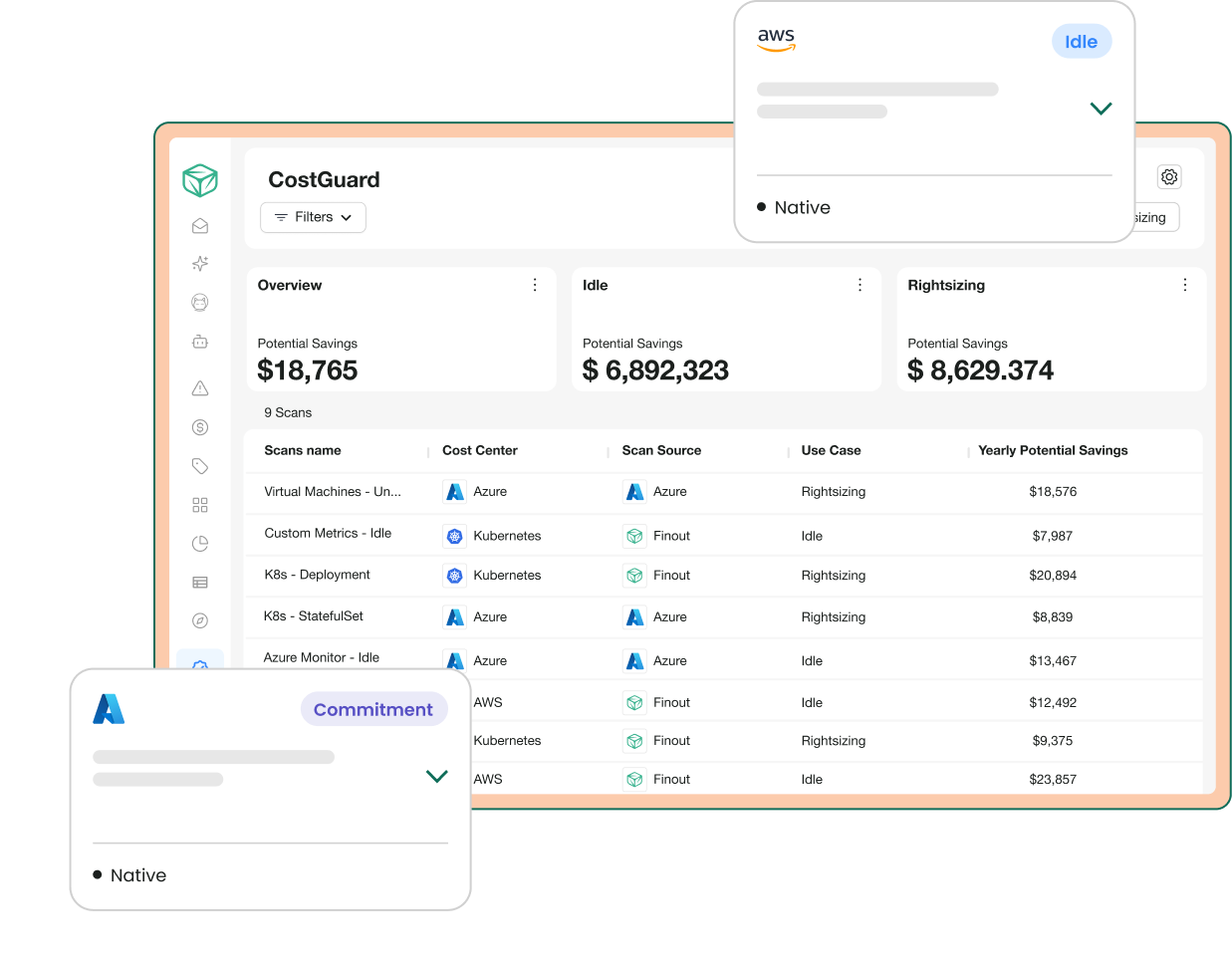
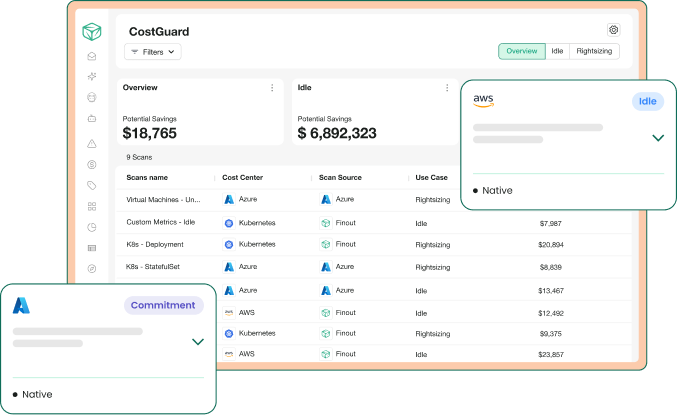
Every cost-savings detection Finout runs across AWS, Azure, GCP, and Kubernetes: from the cloud providers' own engines and from Finout's detection layer.

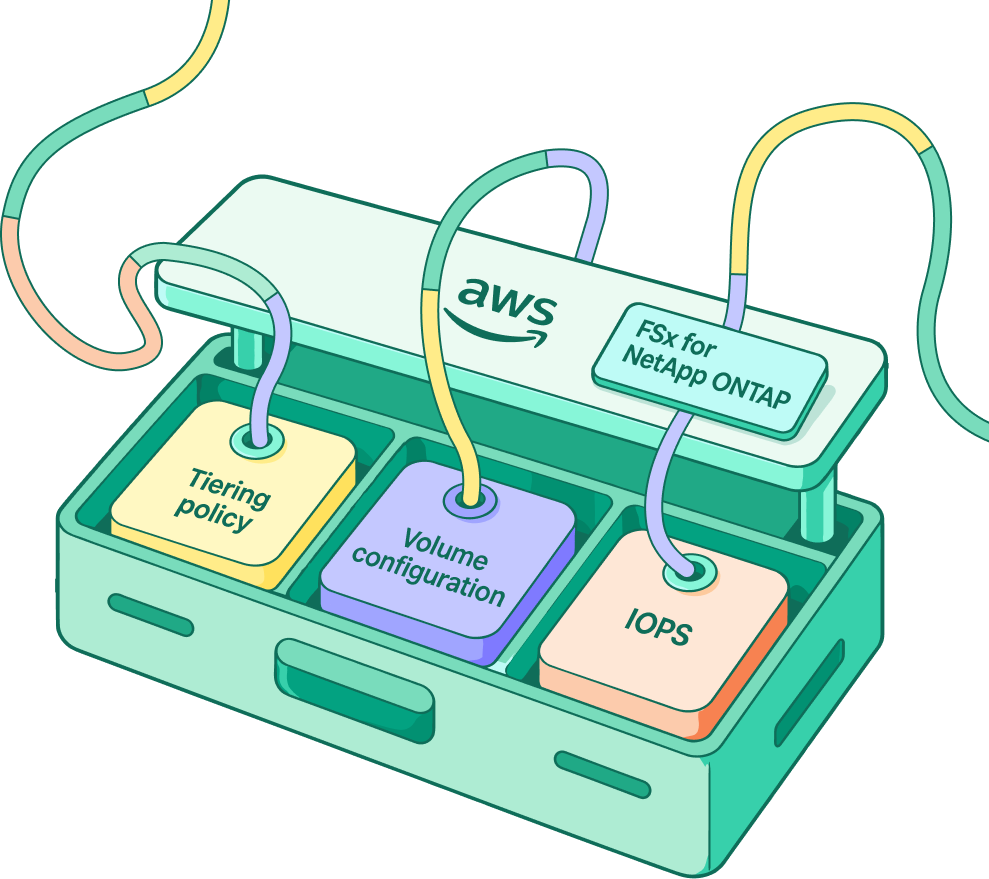
Three new detections for one of the most-missed sources of AWS storage waste: tiering policy, volume configuration, and IOPS.
You define what waste means. Thresholds, lookback windows, and scopes are yours to set. The catalog is the starting point; your policy is the detection.
Recommendations from the providers' own engines- AWS Cost Optimization Hub, Compute Optimizer, and Azure Advisor, pulled into Finout and enriched with your cost, tag, and ownership context.
Finout's own detection layer, built on your usage and billing data, picking up where the providers' stop.
Flag EC2 instances that are effectively doing nothing — surfaced from AWS's own optimization engine and from Finout's usage analysis, enriched with your cost and ownership context.
Find unused and unattached EBS volumes still on your bill — flagged by AWS and by Finout — so you can delete them and reclaim storage spend.
Surface RDS databases nobody is querying — from AWS's idle analysis and Finout's connection monitoring — so you can pause or remove them.
Match your EC2 instances to what your workloads actually use and move to a cheaper instance type — recommendations from AWS Compute Optimizer and Finout's own utilization analysis.
Downsize underused RDS databases to the most cost-effective instance while protecting your service levels — from AWS and Finout analysis.
Spot ECS services sitting idle and quietly billing so your team can retire containers no one is using.
Right-size your Aurora cluster storage so you stop paying for capacity you never use.
Upgrade EBS volumes to a newer generation that delivers the same performance for the same or lower cost.
Resize over-provisioned EBS volumes to match real usage.
Move eligible Auto Scaling Groups to Graviton for the same performance at a lower price.
Resize your Auto Scaling Groups so your fleet tracks real demand instead of paying for idle headroom.
Upgrade Auto Scaling Groups to a newer instance generation at the same or lower cost.
Scale in idle or unused Auto Scaling capacity to stop paying for headroom you don't need.
Move eligible EC2 instances to Graviton for the same performance at a lower price.
Upgrade older EC2 instances to a newer generation that costs the same or less for the same work.
Tune your Fargate task sizing to actual usage so serverless containers stop over-charging you.
Optimize Lambda memory allocation so every function runs at its most cost-efficient setting.
Move your RDS databases to Graviton instance types to keep performance while lowering the bill.
Right-size RDS instance storage so you stop paying for allocated capacity you never use.
See exactly where committing to Compute Savings Plans would cut your on-demand rates, with the optimal hourly commitment modeled for you.
Commit to the read/write capacity you consistently use and pay less than on-demand for it.
Lock in lower EC2 rates by committing to the instance families you already run consistently.
Turn steady-state EC2 usage into reserved-instance savings for a one- or three-year term.
Reduce caching costs by committing to the node types and regions you already run.
Cut OpenSearch cluster costs by committing to specific instance types and regions.
Lower database costs by committing to your steady RDS configurations.
Reduce data warehouse costs by committing to the node types and regions you consistently use.
Commit to your steady SageMaker usage and bring down the cost of your ML workloads.
Catch expensive GPU instances sitting idle after training or inference jobs finish — with GPU utilization, memory, and power-draw thresholds you control.
Find unused Elastic IPs that keep billing with nothing attached to them.
Surface dormant buckets by your own request-count policy so you can archive or remove storage nobody touches.
Spot NAT Gateways with almost no traffic — you define the traffic floor — and remove endpoints you're paying for hourly.
Find ALBs with almost no requests and remove endpoints you're paying for hourly.
Spot NLBs with near-zero traffic flows and retire load balancers nothing is using.
Surface legacy Classic Load Balancers with no real traffic — remove them or migrate off the deprecated generation.
Detect Gateway Load Balancers with no traffic flows so you stop paying for unused network appliances' front doors.
Spot cache clusters running near-zero CPU — by your definition of near-zero — and retire capacity you're not using.
Detect RDS databases running end-of-life engine versions that quietly bill extended-support surcharges — upgrade the engine and drop the premium.
Flag EKS clusters on Kubernetes versions past standard support, where every cluster-hour costs a multiple of the standard fee — upgrade and pay the normal rate.
Catch ElastiCache clusters on engine versions past end-of-life that carry extended-support charges — upgrade to eliminate them.
Spot OpenSearch domains on legacy versions incurring extended-support surcharges — upgrade the domain and stop the premium.
Identify GPU instances that aren't actually using the GPU and move them to a cheaper compute, memory, or general-purpose instance without losing throughput.
Move your gp2 volumes to gp3 for the same performance at a lower price.
Finout finds consistently-running resources still paying on-demand prices so you can extend your commitment coverage and capture the savings.
Detect FSx for ONTAP volumes without a tiering policy that keep cold data on expensive primary storage.
Flag ONTAP filesystems whose volumes are configured against storage best practice so you stop overpaying for provisioned SSD storage.
Spot FSx filesystems provisioned with more IOPS than they use and scale them back to actual demand.
Your App Service plan has no apps running — delete the resource to stop the spend.
No activity detected for 30 days — lower throughput or delete containers to save costs.
Running resources with no user activity — stop them to save costs.
Stopped resources idle for 60+ days — delete them to save costs.
Delete unreferenced storage artifacts to reduce storage costs.
Delete restored tables no longer in use to save on data retention charges.
Enable auto-pause to shut down idle Spark pools and stop paying for them.
Review or delete repeatedly failing pipelines to avoid billing for failures.
Disks not attached to any VM keep billing — snapshot and delete the ones you no longer need.
Gateways idle for 90+ days — reconfigure or delete them to avoid hourly billing.
Low CPU usage over the past 7 days — choose a less expensive SKU.
Health probes don't influence routing with a single origin — disable them to save bandwidth.
Standard/Premium tiers don't charge per additional domain or rule — migrate to save.
Autoscale scales RU/s down when not in use, based on your last 7 days of usage.
Enable continuous backup with Fabric Mirroring to reduce backup costs.
Your free-tier account exceeds 1000 RU/s — extra throughput is billed normally.
Upgrade to v4.2 to cut storage costs up to 55% and query costs up to 45%.
Autoscale on usage metrics to optimize cost and performance.
Migrate to a more cost-effective SKU based on calculated CPU and cache needs.
Adjust cache policy to shrink hot cache and let autoscale scale in.
Reduce compute size for servers underutilized over a 7 day period.
Autoscaling improves utilization and cuts static cluster costs.
Switch eligible tables to the Basic logs plan to reduce ingestion and retention costs.
Change commitment tier to receive discounts based on your usage volume.
Aggressive scale-down settings remove idle nodes quickly and save costs.
Spot node pools give reduced pricing for interrupt-tolerant workloads.
VPA recommendation mode surfaces CPU/memory rightsizing for your pods.
Replace full daily backups with differential or incremental to cut backup costs.
Spark autoscale adjusts nodes dynamically and avoids over-provisioning.
Leverage unused PTU capacity or scale down units to avoid unnecessary AI costs.
Multiple endpoints under one Standard/Premium profile reduce base fees.
High transactions/TB ratios can make premium storage cheaper and faster.
Shorten retention of classic log data to reduce storage charges.
Save 60% by storing Managed Disk snapshots in Standard rather than Premium storage.
7-day analysis identified scale sets with low usage — resize or shut down to save.
Usage analysis identified VMs with low utilization — manage size and count to save.
Purchase an App Service RI based on your usage pattern to maximize savings.
Purchase a Blob/Data Lake reservation to save over pay-as-you-go.
Purchase a Redis RI to save over pay-as-you-go costs.
Commit to a compute savings plan to unlock lower global compute pricing.
Purchase a Cosmos DB reservation to reduce pay-as-you-go rates.
Commit to Cosmos DB reserved capacity — now available from a 100 RU/s option in any quantity.
Purchase a Data Explorer reservation based on your usage pattern.
Purchase a Data Factory reservation to save over on-demand usage costs.
Purchase a MySQL reservation to save on compute costs.
Purchase a PostgreSQL reservation to save over on-demand costs.
Purchase a Dedicated Host reservation based on usage for savings.
Purchase an Azure Files reservation to save over on-demand costs.
Purchase a Managed Disk reservation based on your usage pattern.
Purchase a NetApp Files reservation to save over on-demand costs.
Configure auto-renewal for expiring reservations so discounted rates continue uninterrupted.
Purchase provisioned-throughput reservations to save on OpenAI over pay-as-you-go.
Purchase a RedHat OSA reservation to reduce on-demand costs.
Purchase a SQL PaaS reservation to reduce database compute costs.
Purchase a SAP HANA reservation for savings based on your usage.
Purchase a SUSE Linux reservation to save over on-demand costs.
Purchase a Synapse reservation to save over pay-as-you-go costs.
Purchase an AVS reservation to save over on-demand based on usage.
Purchase a VM reservation to maximize savings based on your usage pattern.
Flag GCP VMs by your own CPU and network thresholds and shut down machines nobody uses.
Spot Cloud SQL instances with negligible CPU, memory, and I/O — by your policy — and pause or remove unused databases.
Find persistent disks no longer in use and reclaim the storage spend.
Surface snapshots older than your retention policy — 90 days by default — and clear out storage you forgot about.
Detect end-of-life MySQL and PostgreSQL versions incurring per-vCPU extended-support charges — upgrade and drop the surcharge.
Match your GCP VMs to real CPU usage — with a utilization ceiling you set — and move to the most economical machine type.
Cut Kubernetes waste on Amazon EKS by comparing requested vs. used CPU and memory across every workload type — with a percentile buffer you control.
Cut Kubernetes waste on Google GKE by comparing requested vs. used CPU and memory across every workload type — with a percentile buffer you control.
See every detection running against your own bill in a 30-minute demo.
The FinOps platform for cloud and AI spend, with agents that find the savings and act on them, so your team stays lean, and your coverage doesn't.
PLATFORM
INTEGRATIONS
© Finout 2026. All Rights Reserved. Privacy Policy Terms of Use