



Integrations

Make every AWS dollar accountable

Finout Agents find waste across your AWS environment, explain why it happened and who owns it, and get it to that owner at the level of automation you choose. Every AWS dollar is allocated, forecasted, and tracked in one place, next to the rest of your cloud and AI bill.

aws-badge-partner-networkaws-badge-cloud-opsaws-badge-marketplace
aws-hero-illustration

The best FinOps teams run on Finout

Finout Agents for AWS

From AWS Finding to recorded savings

The whole loop, handled. Finout Agents spot and investigate AWS waste according to your rules, get it to the right team, and track it until the savings are recorded.

You ask Billy

can you clean up our unused ebs?You · just now
Asked you 2 quick questionsBuilt the Agents
Ask Billy…
Agents created

Detector

Finding

212 unattached volumes

Est. savings $7.9K/mo

Investigator

RCA and owner

Left after Q2 migration

team: platform-infra

Orchestrator

Ask Billy

Prioritization added

Priority: High

Orchestrator

Open ticket

INFRA-2417

Savings recordedRealized $7.6K/mo

Agents are only as good as the context behind them

aws-feature-1
Visibility

One AWS bill everyone trusts

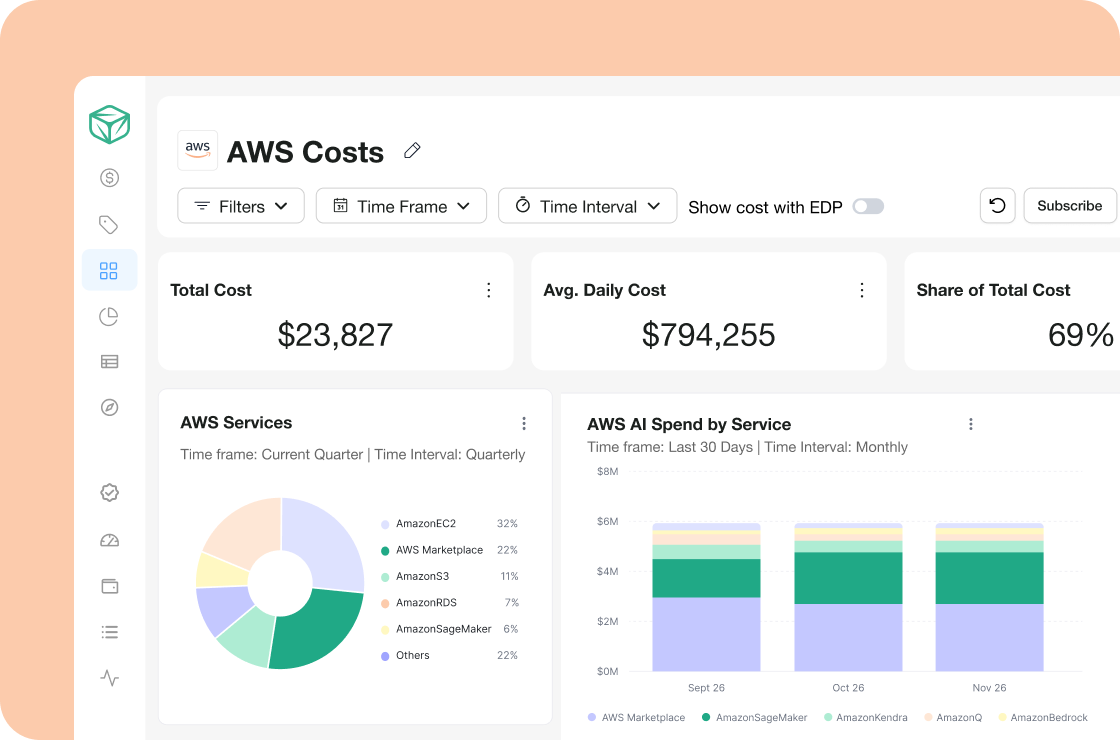
The MegaBill brings your AWS spend into one normalized view, broken down by account, service, region, and tag, including AI services like Amazon Bedrock. Switch between net amortized, unblended, blended, and list cost. Finout uses AWS's own cost terminology, so finance and engineering work from the same numbers, and month-end stops being a reconciliation project.
aws-feature-2
Allocation

Bring AWS into your cloud and AI cost strategy

AWS tags rarely match how your company is organized. Virtual Tags map spend to teams, products, environments, and cost centers with rules you control, without changing your original resource labels. EKS costs break down by namespace, workload, and pod label, and AWS, Amazon Bedrock included, sits in the MegaBill next to Azure, GCP, OpenAI, and Anthropic, so every dollar, cloud or AI, lands with an owner.

aws-feature-3
Planning

Plan AWS spend with confidence

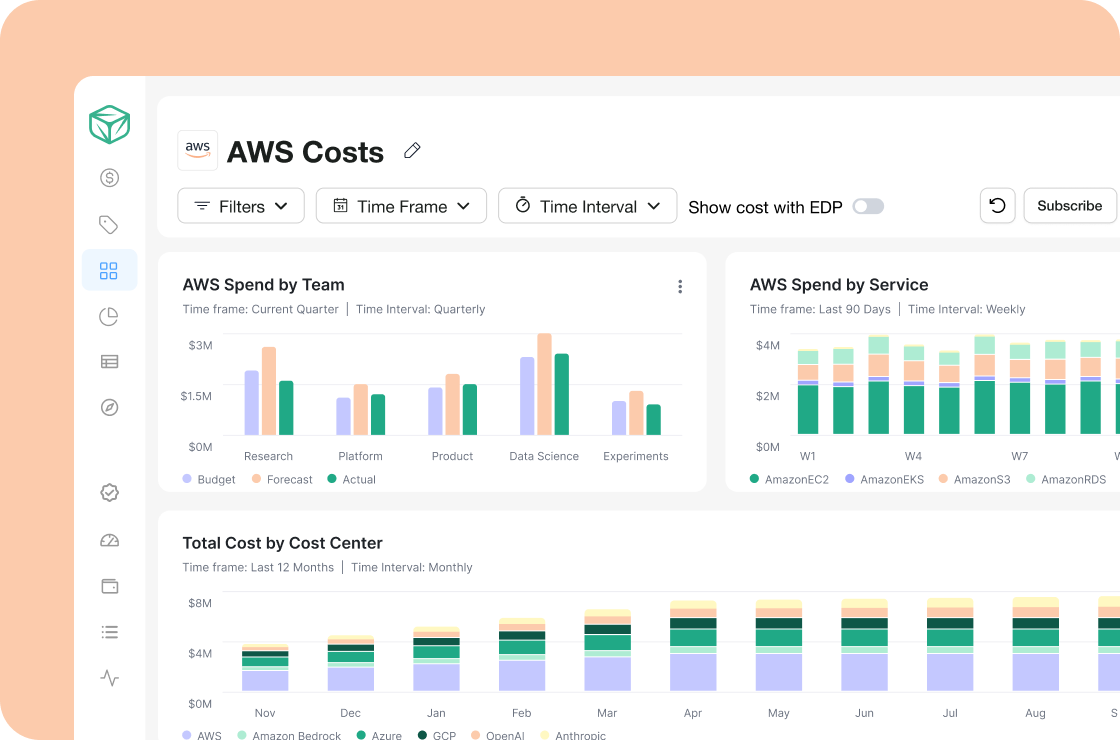
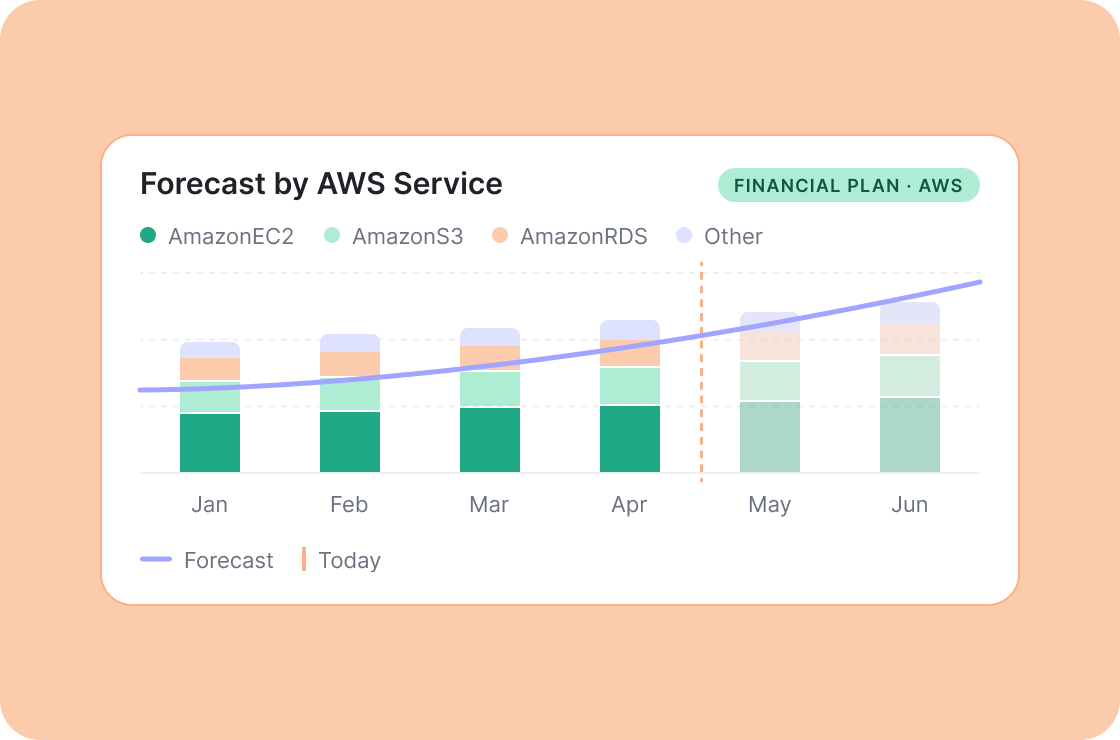
Budgets and forecasts that engineering and finance both trust. Build Financial Plans for your AWS spend, break them down by team, application, or any Virtual Tag, and compare budget, forecast, and actual cost month by month. When spend starts to drift from plan, you see it early, while there’s still time to act.

AWS Marketplace

Finout is available in the AWS Marketplace

Buy Finout through your AWS account and make your cloud commitment work twice.

AWS Marketplace

Counts toward your EDP

Purchasing Finout through the AWS Marketplace counts towards your Enterprise Discount Program (EDP) agreement.

Earn AWS credits automatically

Finout is part of the Marketplace credit opportunity program. When you purchase Finout through the AWS Marketplace, you will automatically receive AWS credits.

Secure by design. Built for scale.

  • ISO 27001

    Certified information security

  • AICPA SOC 2 Type 2

    Independently audited controls

  • GDPR

    Privacy by design

  • Read-only IAM role

    A read-only IAM role, nothing more

FAQs

01 How Do Finout's Agents Reduce AWS Costs?

Finout Agents find AWS waste, explain it, and get it to the right owner at the level of automation you choose. The Detector scans your AWS environment based on the rules you set, looking for idle resources, rightsizing opportunities, and Extended Support fees across EC2 (including GPU instances), RDS, ElastiCache, load balancers, S3, EBS, EKS, and DocumentDB, and creates a Finding for each one. For idle and rightsizing Findings, the Investigator explains why it happened, what it's worth, and who owns it. The Orchestrator then acts through the Workflows you set, routing the Finding to its owner or asking for approval first, and tracks it until the savings are recorded.

02 What AWS Data Does Finout Use for Cost Management?

Finout uses your AWS billing export, either CUR 2.0 through AWS Data Exports or Legacy CUR, delivered to an S3 bucket in your account. Adding the AWS Cost Optimization export powers Finout's savings recommendations. All of it lands in the MegaBill, where AWS spend sits next to your other cloud, AI, and SaaS costs.

03 How Do I Connect My AWS Account to Finout?

Connecting AWS to Finout takes three steps: create a billing export delivered to S3, add an AWS cost center in Finout, and grant access with a read-only IAM role. You can create the role with Finout's CloudFormation template or set it up manually, and there's no code to change. The AWS setup guide walks through every step.

04 How Long Does It Take to See AWS Cost Data in Finout?

Initial AWS cost data is expected in Finout within 24 hours of connecting your billing export. A full backfill of your historical AWS data can take up to 24 hours.

05 Does Finout Support Amazon EKS Cost Allocation?

Yes. Finout combines your AWS billing data with Kubernetes usage metrics to allocate Amazon EKS costs by namespace, workload, and pod label. Node capacity that isn't allocated to any pod shows up separately as idle cost, so you can see what you're paying for and not using.

06 Does Finout Track Amazon Bedrock Costs?

Yes. Amazon Bedrock spend comes in with your AWS billing data and appears in the MegaBill next to Azure, GCP, OpenAI, and Anthropic, so every dollar, cloud or AI, lands with an owner.

07 Can I Buy Finout Through AWS Marketplace?

Yes. Finout is available in AWS Marketplace, and purchases count toward your AWS Enterprise Discount Program (EDP) agreement. Finout is also part of the Marketplace credit opportunity program, so buying through AWS Marketplace automatically earns AWS credits.

08 What Other Clouds and Tools Does Finout Integrate With?

Beyond AWS, Finout integrates with GCP, Azure, OCI, Kubernetes, OpenAI, Anthropic, Cursor, GitHub Copilot, Snowflake, Databricks, Datadog, and more, bringing cloud, AI, and SaaS spend into one platform. See all integrations.

9 How Is Finout Different From AWS Cost Explorer?

AWS Cost Explorer shows your AWS spend. Finout brings that spend into the MegaBill next to Azure, GCP, OCI, Kubernetes, and AI providers like OpenAI and Anthropic, then allocates it to teams and products with Virtual Tags, without changing your AWS tags. On top of that, Finout adds Financial Plans for budgeting and forecasting, and Finout Agents that find waste and get it to the owner.

10 Does Finout Track AWS Savings Plans and Reserved Instances?

Yes. Finout shows coverage and utilization for your AWS Reserved Instances and Savings Plans, so you can see which commitments are paying off and where you still pay on-demand rates. Finout's commitment scans also recommend where to improve coverage. 

11 Does Finout Detect AWS Cost Anomalies?

Yes. Finout includes predefined AWS anomalies and lets you configure your own cost anomaly alerts, so unexpected spend reaches the right team early. 

12 Is Finout Secure for AWS Cost Data?

Finout connects to AWS through a read-only IAM role, so it reads your billing data and never changes your AWS resources. Finout is SOC 2 Type II audited, ISO 27001 certified, and GDPR compliant.