


AI for FinOps

Fully Automated Cost Allocation Meet The Next Era of FinOps

Finout Virtual Tags automate months of manual tagging in minutes. No tagging policies. No scripts. Just allocation clarity from day one.

  • Real-time allocation with no reprocessing
  • Approved rules apply instantly and retroactively
  • New line items are allocated instantly—no batch jobs

Trusted by leading FinOps teams
Wiz logo
The New York Times logo
Riskified logo
Village Roadshow logo
printify-logo
Lyft logo
SiriusXM logo
Just-eat-nsh-1
Coralogix logo
Orca logo
CockroachDB-H
Netapp-nsh-1
Magnet Forensics logo
AppsFlyer logo
Demandbase logo
Alchemy logo
Bango logo
Netsetera-logo
torqe-logo
Tenable logo
Holland & Barrett logo
CCCIS-nsh-2
Own logo
ATEME logo
Elastic logo
Forter logo
PandaDoc logo
Armis logo
windward-logo

From Raw Bills to Complete Allocation in Just Three Steps

Connect

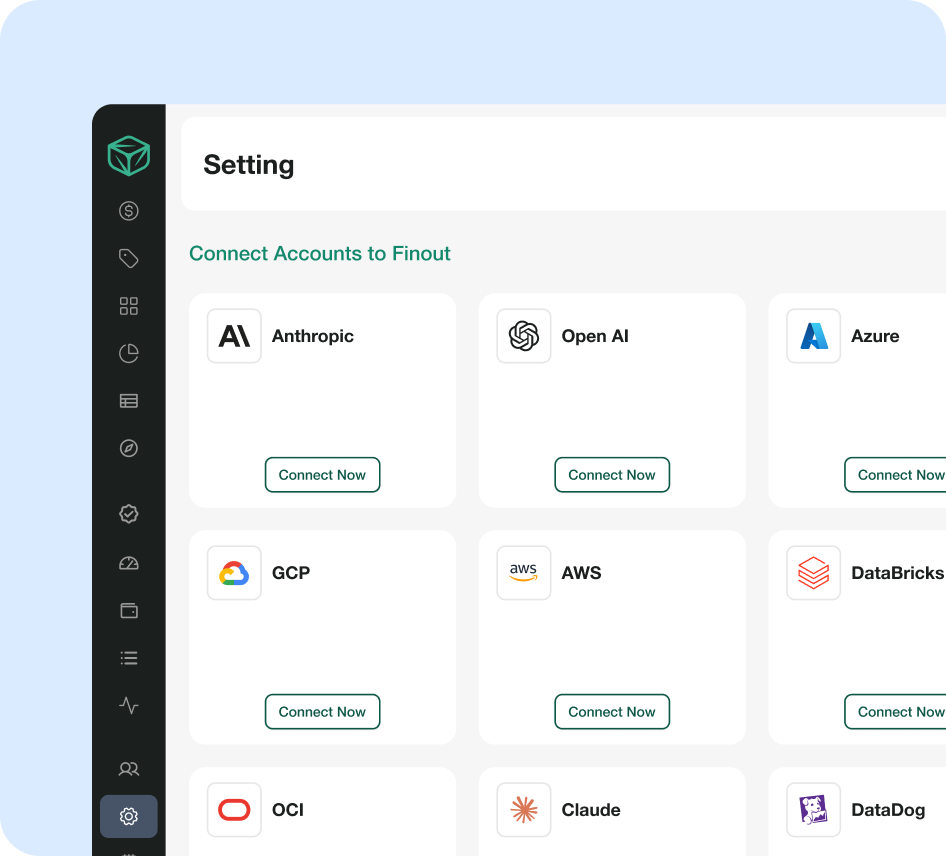
Plug Finout into the systems where your spend already lives — No agents, no tagging projects.

  • Cloud: 
    Connect AWS, GCP, Azure and other cloud bills.
  • Kubernetes: 
    Ingest cluster, namespace & workload-level usage.
  • SaaS & data tools: 
    Bring in Snowflake, Datadog, and other core platforms.
  • Custom & internal sources: 
    Add internal chargeback data, exports, or bespoke cost inputs.

Once connected, Finout has a complete picture of your usage and spend across cloud, Kubernetes, and SaaS.

vt-connect

Generate

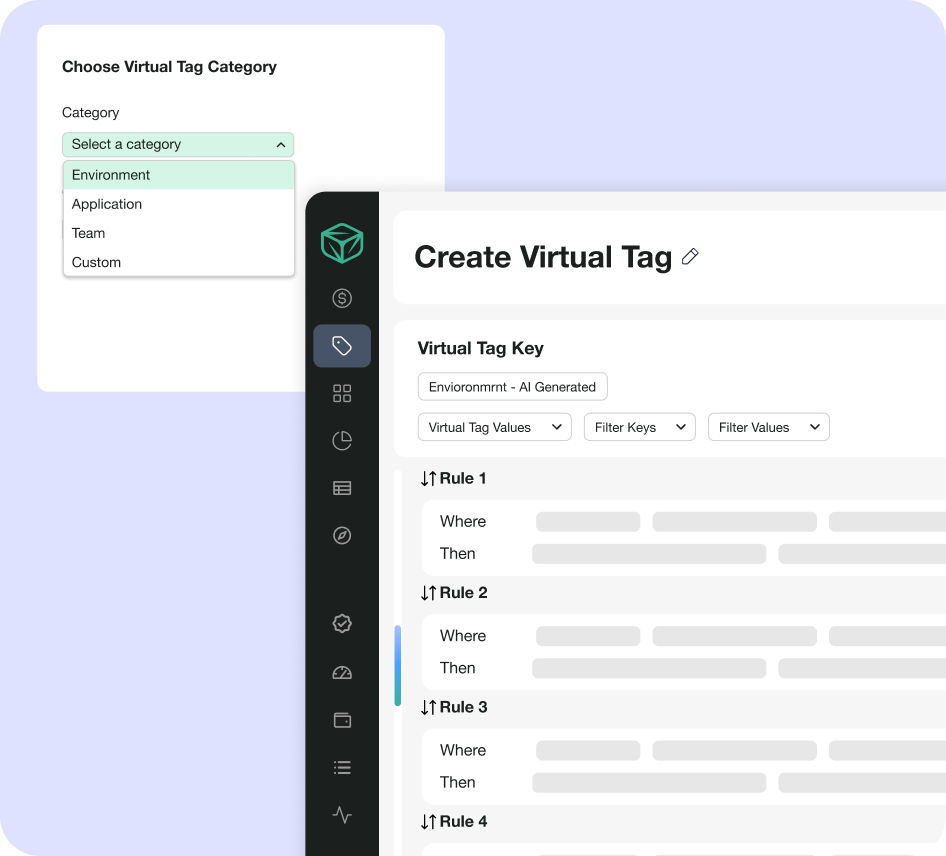
Finout scans names, labels, namespaces, accounts, projects, and metadata across your connected systems and turns them into clear, explainable Virtual Tag rules.

  • Proposes hundreds of rules based on real usage patterns.
  • Groups spend by team, service, environment, project, BU, customer segment, and more.
  • Lets you approve, edit, or reject suggestions individually or in bulk.
  • Learns from your edits, so future suggestions get sharper over time.
vt-generate

Automate

Once your Virtual Tags are in place, Finout keeps allocation accurate and in sync as your spend and org evolve.

Virtual Tag Sync – org-aware automation

  • Sync teams, services, domains, products, and cost centers from Backstage, ServiceNow, Workday, or internal catalogs.
  • Update allocation automatically when ownership changes, services move, or teams split.
  • Keep reports aligned with your real org, not a stale tagging strategy.

Allocation API – allocation as code

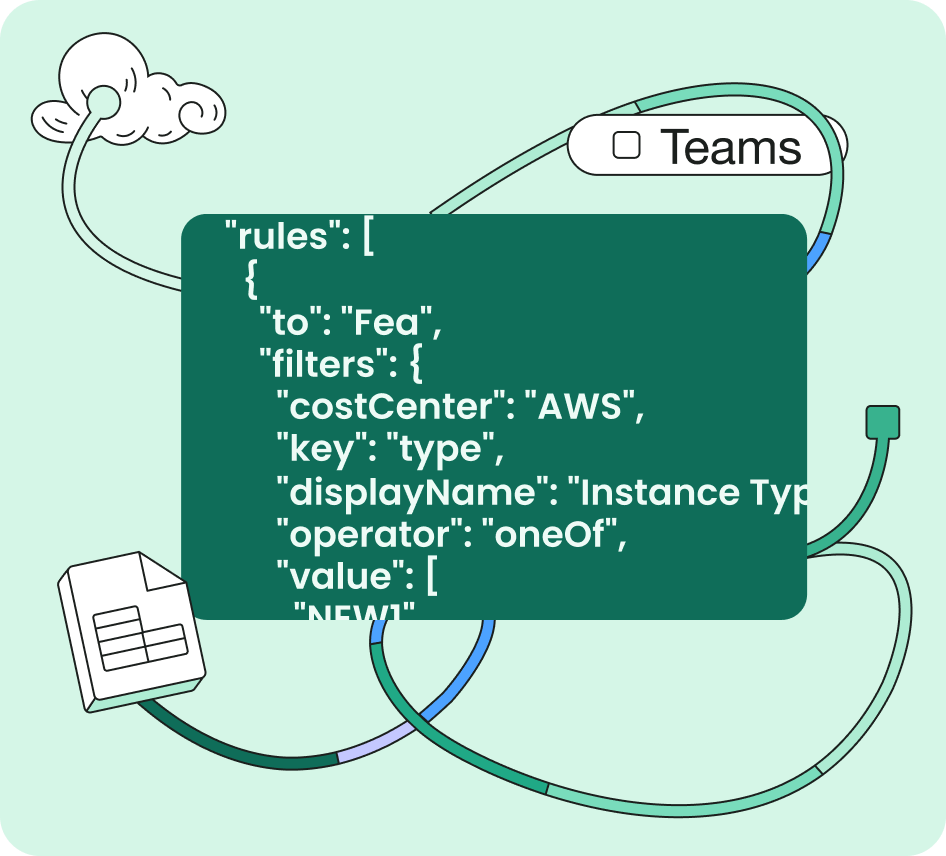
  • Manage Virtual Tag rules via API or UI.
  • Plug rule changes into CI/CD and internal approval workflows.
  • Export fully allocated data to Snowflake, BigQuery, Looker, billing systems, or internal tools.
vt-automate-1

Secure by Design. Built for Scale.

  • certificate

    SOC 2 Type II compliant, ISO 27001, GDPR

  • support

    Dedicated FinOps support

  • lock

    RBAC & SSO/SAML support

  • event

    One API key connects to entire stack

FAQ’s

01 What are Finout Virtual Tags?

Finout Virtual Tags are Finout's automated way to allocate cloud and AI costs. Virtual Tags are rule-based labels applied to your cost data inside Finout, rather than on your cloud resources. AI Virtual Tags scan your existing metadata and propose those rules for you, so costs are mapped to teams, products, environments or customers without a manual tagging project.


02 How do AI Virtual Tags work?

In three steps. First, connect your cloud bills, Kubernetes usage, SaaS and data tools, and internal cost sources. Second, Finout scans resource names, labels, namespaces, accounts, projects and other metadata, then proposes Virtual Tag rules for you to review. Third, Finout keeps allocation current as your spend and organization change, using Virtual Tag Sync and the Allocation API.


03 Do I stay in control of the rules AI Virtual Tags suggest?

Yes. Every proposed rule waits for your review, and you can approve, edit or reject rules in bulk. Only approved rules allocate costs. The system learns from your edits, so later suggestions follow the way your organization actually assigns ownership. FinOps teams keep full control of the allocation logic.


04 How are AI Virtual Tags different from native cloud tags?

Native tags live on each resource, so they need changes at deployment time, ongoing enforcement by engineering and separate work in every cloud. They also cannot be applied to past costs. Virtual Tags live in Finout, so FinOps and finance teams can create or change them without touching infrastructure. They apply across every connected provider and to historical data.


05 Which costs can AI Virtual Tags allocate?

AI Virtual Tags work on any cost you connect to Finout. That includes cloud bills from AWS, Google Cloud and Azure, Kubernetes usage, SaaS and data tools such as Snowflake, Databricks and Datadog, AI providers such as OpenAI and Anthropic, and custom or internal chargeback data. New line items are allocated as they arrive, with no batch jobs.


06 How do Virtual Tags handle shared costs?

Virtual Tags work with Finout's shared cost reallocation to split shared resources, such as Kubernetes clusters or shared databases, across the teams that use them. You can split costs evenly, by usage telemetry, by headcount or revenue weighting, or with a custom formula. Relational Virtual Tags can split one shared cost across up to 10 related keys from a single telemetry source.


07 Are AI Virtual Tags secure?

Yes. Finout is SOC 2 Type II and ISO/IEC 27001:2022 certified, and compliant with GDPR. Access to Virtual Tags and allocation data is managed with role-based access control, and Finout supports single sign-on through SAML. See the compliance page for details.

vt-left-lego
VT-left-mbl

Fully Automated Cost Allocation. This is FinOps in 2026

Stop organizing your business around the limitations of tags- Let AI Virtual Tags keep your allocation model in sync with reality as you grow.

vt-right-lego
VT-right-mbl