



Detection Agent
The Detector tells you what
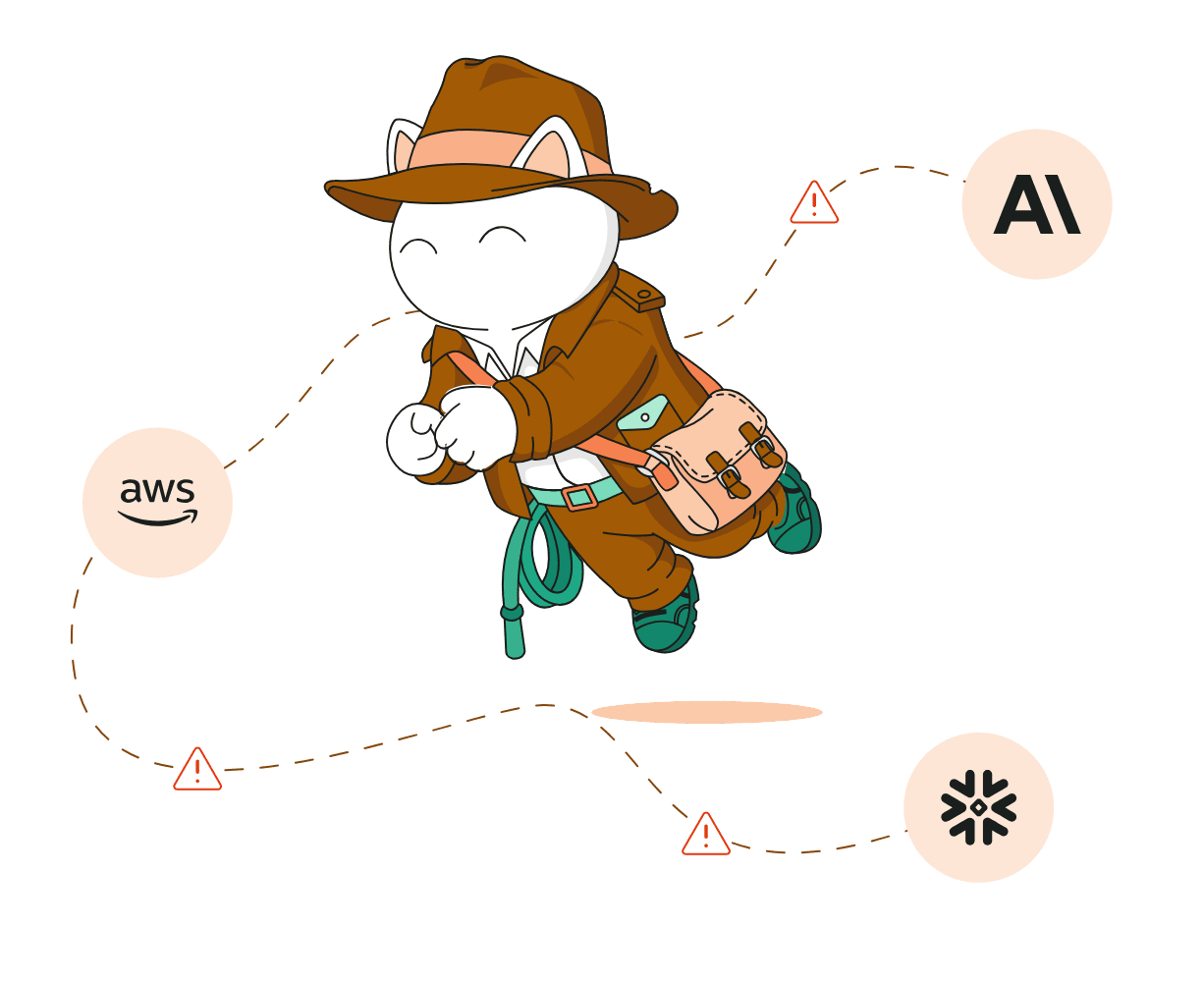
Scans your cloud and AI spend every day against rules you control, so DR and known exceptions never get flagged.
Daily scansYour rulesCloud + AI spend



 AWS
 GCP
 Azure
 OCI
 OpenAI
 OpenAI Codex
 Anthropic
 Kubernetes
 Snowflake
 Databricks
 Datadog
 GitHub
 Twilio
 Cursor
 MongoDB
 fal.ai
 Grafana
 CircleCI
 Confluent


Finout’s AI agents find waste across your cloud and AI spend every day and send the owner a case with the reason and the evidence, so your engineers decide instead of digging.

Most cost tools hand you a list of savings and leave the rest to you: figuring out why a resource was flagged, whether it’s real waste, and who should fix it. Finout Agents, now in beta, do that work for you. Agents are only as good as the data underneath them, so the walkthrough starts there, then shows you how to build one and what it finds.
One finds the waste, the other explains it and hands it to the right person
Scans your cloud and AI spend every day against rules you control, so DR and known exceptions never get flagged.

Explains why each finding was flagged, builds the case file with evidence attached, and sends it to its owner in Slack, ready to act on or dismiss.
The result: a ready to act case file in the owner’s Slack, not another line in a savings report.

The FinOps platform for cloud and AI spend, with agents that find the savings and act on them, so your team stays lean, and your coverage doesn't.


© Finout 2026. All Rights Reserved. Privacy Policy Terms of Use

© Finout 2026. All Rights Reserved. Privacy Policy Terms of Use